BestIPTV247

IPTV made simple

Best IPTV Service in the USA, Canada & Europe for Live TV, Movies & Sports

Pick a plan for one, two or three screens, follow a setup guide written for your exact device, and get straight answers when something does not work. No jargon, no inflated promises.

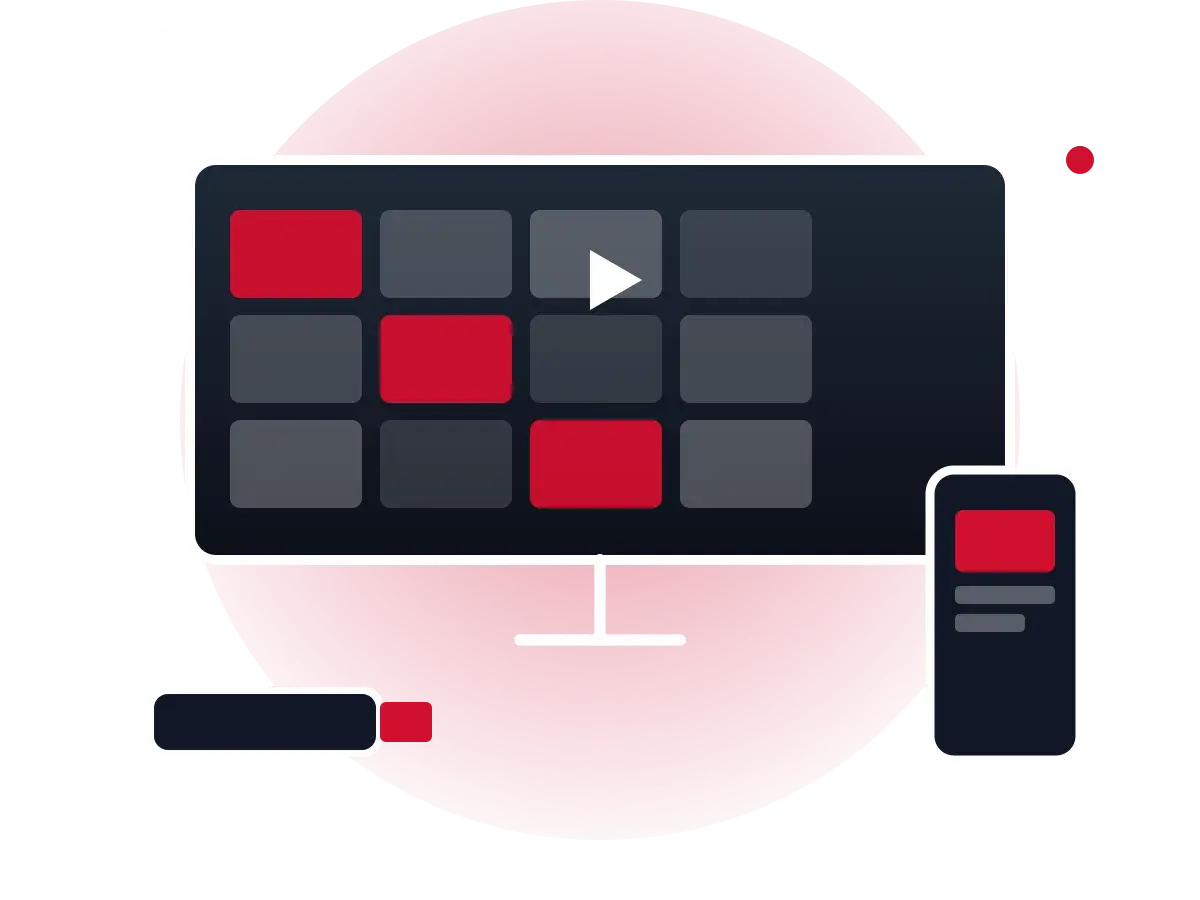
Illustration of a television showing a grid of live channels next to a phone and a streaming stick

Why choose BestIPTV247

Watch on the devices you already own

Fire TV, Android TV, Samsung and LG smart TVs, Apple TV, phones, tablets and computers. Our setup guide walks you through each one.

Live TV and on-demand together

IPTV combines scheduled live channels with a programme guide and on-demand films and series in one app, instead of juggling separate services.

Real help when you need it

Questions about apps, playlists, buffering or the programme guide get practical, device-specific answers from our team.

Live channels, films, series and sport in one place

An IPTV subscription brings the familiar parts of pay TV — a channel guide, live events, catch-up — to any screen with an internet connection. The exact lineup depends on your plan; the channel list guide explains how lineups are organised and how to check one before you buy.

Live TV

Scheduled channels with a full electronic programme guide (EPG).

Sports

Live matches and events in HD, with Full HD and 50/60 fps feeds where available.

Movies & series

An on-demand library you can browse, pause and resume.

News

Rolling news channels for following stories as they happen.

Kids & family

Children's channels and family viewing, with parental controls in most player apps.

International

Channels from other countries and in other languages, grouped by region.

Compatible with all major devices

IPTV works through player apps, so the device you already use is usually enough. Smart TVs, streaming sticks, set-top boxes, phones, tablets and computers are all supported — each with its own short setup routine.

Get Started with the Setup Guide

  • Amazon Fire TV Stick & Cube
  • Android TV & Google TV
  • Samsung Smart TV (Tizen)
  • LG Smart TV (webOS)
  • Apple TV, iPhone & iPad
  • Android phones & tablets
  • Windows & macOS
  • MAG & Formuler boxes

Choose Your IPTV Plan

Three lengths, one to three simultaneous connections. Longer plans lower the cost per month; more connections let more people watch at once.

1 Connection

3 Months

1 Device

$34

  • 3 months of access from activation
  • 1 connection (one screen at a time)
  • Step-by-step setup help for your devices
  • Login details delivered after order confirmation
  • Covered by our published refund policy

6 Months

1 Device

$45

  • 6 months of access from activation
  • 1 connection (one screen at a time)
  • Step-by-step setup help for your devices
  • Login details delivered after order confirmation
  • Covered by our published refund policy

Lowest cost per month

12 Months

1 Device

$64

  • 12 months of access from activation
  • 1 connection (one screen at a time)
  • Step-by-step setup help for your devices
  • Login details delivered after order confirmation
  • Covered by our published refund policy

2 Connections

3 Months

2 Devices

$54

  • 3 months of access from activation
  • 2 connections (2 screens at once)
  • Step-by-step setup help for your devices
  • Login details delivered after order confirmation
  • Covered by our published refund policy

6 Months

2 Devices

$68

  • 6 months of access from activation
  • 2 connections (2 screens at once)
  • Step-by-step setup help for your devices
  • Login details delivered after order confirmation
  • Covered by our published refund policy

Lowest cost per month

12 Months

2 Devices

$99

  • 12 months of access from activation
  • 2 connections (2 screens at once)
  • Step-by-step setup help for your devices
  • Login details delivered after order confirmation
  • Covered by our published refund policy

3 Connections

3 Months

3 Devices

$79

  • 3 months of access from activation
  • 3 connections (3 screens at once)
  • Step-by-step setup help for your devices
  • Login details delivered after order confirmation
  • Covered by our published refund policy

6 Months

3 Devices

$88

  • 6 months of access from activation
  • 3 connections (3 screens at once)
  • Step-by-step setup help for your devices
  • Login details delivered after order confirmation
  • Covered by our published refund policy

Lowest cost per month

12 Months

3 Devices

$139

  • 12 months of access from activation
  • 3 connections (3 screens at once)
  • Step-by-step setup help for your devices
  • Login details delivered after order confirmation
  • Covered by our published refund policy

Getting started takes three steps

  1. 1

    Choose your plan

    Pick 3, 6 or 12 months and the number of screens you need, then request the plan.

  2. 2

    Receive your login

    Once your order is confirmed we email your login details and the settings for your player app.

  3. 3

    Start watching

    Install a player app on your TV, stick, phone or computer, enter your details and load the guide.

Frequently asked questions

What is IPTV?

IPTV (Internet Protocol Television) delivers live TV channels and on-demand video over an internet connection instead of a cable, satellite dish or aerial. Your provider sends the stream; an app on your TV, streaming stick, phone or computer plays it. Our guide What is an IPTV channels subscription? explains the technology in more detail.

Which devices are compatible?

Most IPTV services work on Amazon Fire TV devices, Android TV and Google TV boxes, Samsung and LG smart TVs (through their app stores), Apple TV, iPhone and iPad, Android phones and tablets, Windows and Mac computers, and MAG-style set-top boxes. Exact app availability changes over time, so check our device setup guide for current instructions.

How do I order a plan?

Choose a plan on the plans page and use Request this plan. We confirm availability and payment options by email, and your login details are sent once the order is confirmed. Then follow the setup guide for your device.

Do I need a VPN?

A VPN is not required to use a lawful IPTV service. Some people use one for privacy on public Wi-Fi, or because their internet provider manages traffic in a way that affects video. A VPN adds a little latency and can reduce speed, so test with and without it. A VPN does not make an unlicensed service legal.

Can I watch on several devices at the same time?

Yes, if your plan includes more than one connection. A connection is one stream playing at a time. A 2-device plan lets two screens play simultaneously; logging in on more devices than your plan allows will usually cut one of the streams off.

What should I do if a channel stops working?

First check whether other channels play. If none do, restart your router and device and test your speed. If only one channel is affected, it is usually a temporary problem with that feed — try again later or use the catch-up section if your service offers it. If the problem persists, contact us with the channel name, your device and the time it happened.

How do I get help?

Use the contact form. Include your device model, the app you use and a short description of the problem so we can give you a precise answer.

See all FAQs →

Latest guides from the blog

All articles →